Out with 2016!

This year has been a tough year in a lot of ways and I’m sure it’s not just me who will be glad to see the back of this year at midnight tonight.

But what of the future?  I have a few goals for 2017, but haven’t set myself any resolutions at this point. I actually tend not to even think about New Year’s resolutions until the start of the new year, if I make any at all. I would rather think in terms of broader goal-setting and trying to improve habits than setting impossible hurdles up for myself with the inevitable result of feeling bad for not managing to keep jumping over them. That said, I did start out on one of these schemes last year, with a rare NY resolution which required completing a daily task. I started to flag in about mid February and by the end of March it was all over with a big guilt trip. The main reason for not picking it up again, apart from it taking longer each day than I’d been led to believe, was because I would see long lists of dates in the past with unfinished tasks every time I looked at it. Looking back, I feel pleased with myself that I made it beyond the first few weeks.

So, instead of resolutions as such, I think I’ll be thinking for a little while in January about what I want to achieve next year and how I might go about it. Sometimes plotting and scheming isn’t the best way to get started though – it can be easier to just write a list of specific things that need doing and then attack them in an order that makes some sort of sense. You can spend too long thinking and not enough time doing…

I’d be interested to hear how readers of this blog approach New Year: Do you have any strategies you’ve used for making or keeping resolutions? Do you even make them, or do you do something else to mark the passing of the old year and look forward into the new one?
 

Sleepwalker

It’s here, the day of my debut album release has arrived! (Cue whooping noises in the background). Busy day, as there’s also a gig tonight to get ready for, so I’ll just drop the link here and go rehearse…    It’s available for download from CD Baby as of today; other online stores will follow, in due course.

Note: You can hear 30s snippets of the songs on the page – these previews are in a low res MP3 format… purchasing the album from CD Baby gets you the high res MP3s AND lossless FLAC format files.  Any problems with the site, please please let me know 🙂

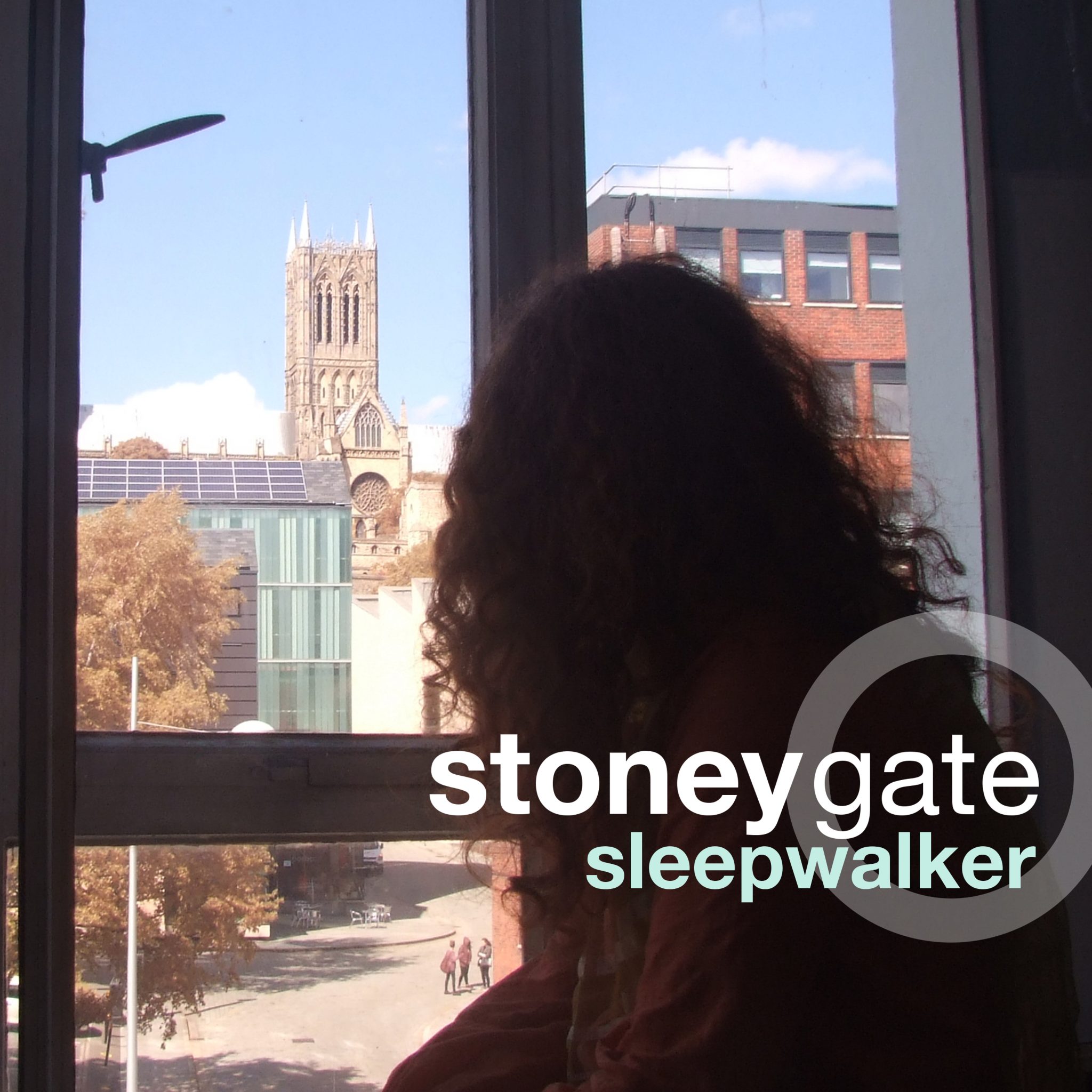
Stoneygate Sleepwalker album cover art

Graftwerk

I haven’t said much about how work on the album is going, so here’s a bit more about it.

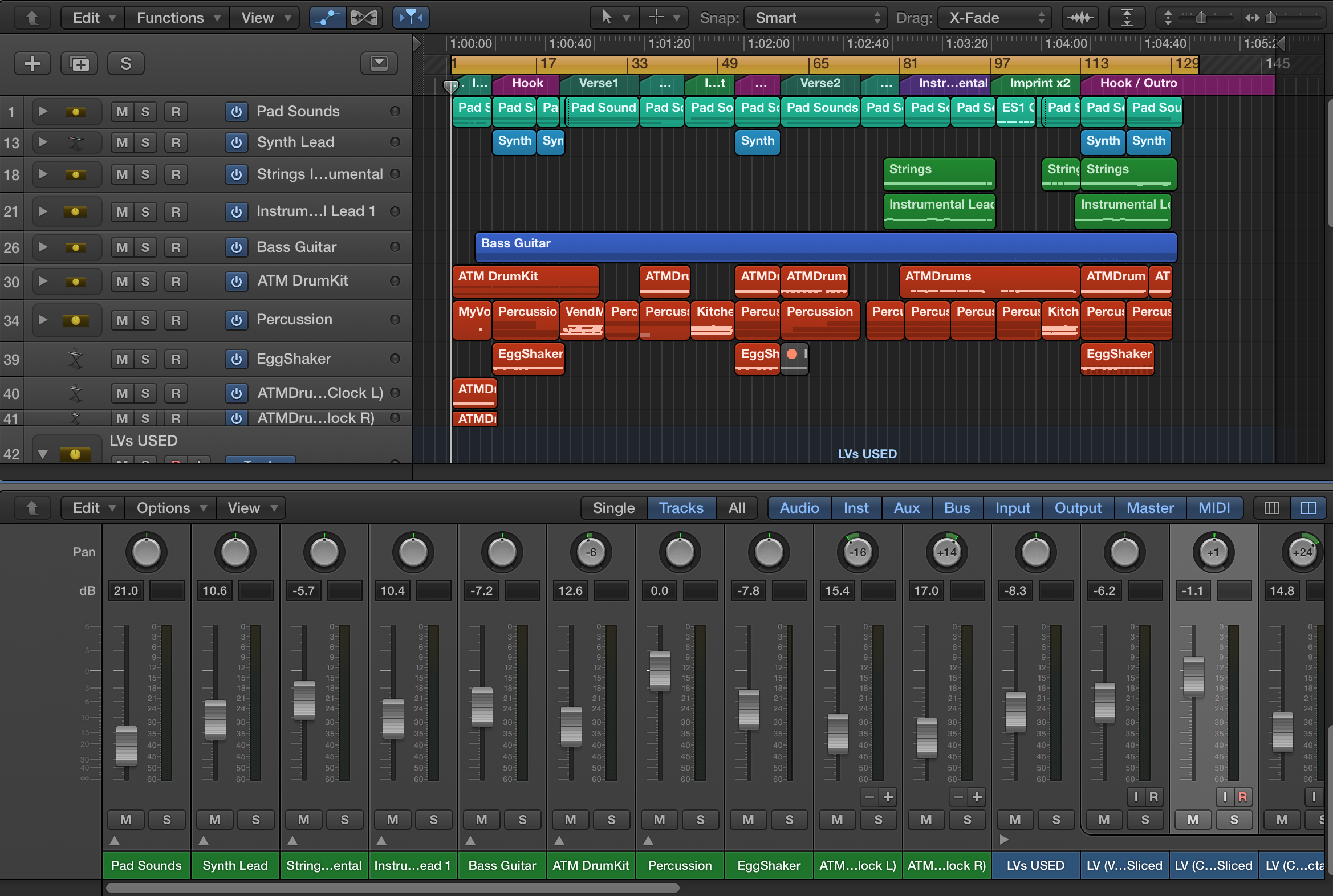
screen-shot-2016-11-21-at-03-13-01

I’ve been working on the tracks for my debut album for a long time already; some of them have been floating around for a couple of years in one form or another. Originally, I thought I’d be final-mixing through the summer after college finished, but I really needed some time out, so finishing the album fell down the priority list for a while.

Then I had a conversation with a friend, Matt Steady, who has recently left his job to pursue a career in musicianship. “You need a project,” said Matt. “I’ve already got one, but I need to finish it,” was my reply. Matt offered to listen to my tracks and give his opinion. Around the same time, I was asked if I would play a gig in the not too distant future in another city. It turned out that these two things were the carrot and stick that I needed to get going again with the album.

Just over a week ago, after some further tweaking, I sent Matt a set of ten tracks, inviting him to be as brutal as he liked. He gave very positive, constructive feedback, and didn’t tell me to drop any of the tracks from this release. (I’d feared he might).

It’s been all systems go since then. As well as organising business cards to hand out at the gig and continuing to code graphics that can be projected onto a wall during the performance, I’ve been working on refining the mixes, working out the track order, choosing the title (Sleepwalker), designing cover art for the online store and trying to figure out what I’ve missed. There’s a growing to do list.

The most challenging part has been that the whole mixing process relies on your ears being ‘fresh’ and therefore you can’t rush it. At some point during a work session, your ears start to get tired and then start playing tricks on you. Things that you thought were loud enough sound too quiet. Your sense of the overall volume of the piece gets disorientated. This adds extra pressure when you’re working to a fairly tight deadline.

Nonetheless, the aim is to get everything mastered and uploaded this coming week – the sooner the better – with a view to releasing the album before the end of November. More hard graft, but it will be worth it. And next time around, the process will be easier. There will be a next time.

Fractals for fun?

The last week or so, as well as working on the mixes for my first album, I decided to have a look into fractals as it seemed like a logical next step from the graphics animations I have been working on so far. I found that Wikipedia has a lot of good resources, but probably has too much detail for a beginner, if you follow all the rabbit holes it leads you down like I did.  A far better introduction was a Youtube video, which brought together pretty much everything I’d read to date and then some. (Sadly it’s been taken down since I wrote this post so I can no longer share it with you).

At least some of the more visually appealing fractal patterns are constructed using maths that involves the square root of minus one, eg Mandelbrot and Julia sets. Those sets also looked as though they were not going to be easy to animate, as it looks like the whole image is calculated pixel by pixel, with the colour of each pixel set by how long it took to reach a threshold value.

There are some (more basic) fractals that were more easy to understand, however, such as the Cantor set and the Sierpinski carpet, which are made by an iterative process. The Cantor set is a set of lines with the middle section taken out. Then you rinse and repeat, taking the middle section of the new lines away for the next iteration. The Sierpinski curve does something fairly similar, but with rectangles. I could see a way through the fog for programming visuals for these types of fractals in Processing, and have incorporated some of these into a new set of visuals for displaying during my next live gig.

Vorsprung Durch Technik

After some more headbutting and reaching a point where I didn’t think I would be able to solve the original problem of routing live sound through a self-programmed music visualiser, I went back to basics. Ditching the sound module provided on the Creative Programming course, I looked into Processing’s own sound library using the online documentation.

And bingo, using the available sample code in the online tutorial, I suddenly had something that was responding to input from the soundcard. Just like that. The graphics were terrible – just a fuzzy line at the bottom of the screen, but the body was still twitching, so to speak.

So, moving on from there, I’ve incorporated the relevant commands into the visualiser code, and developed the graphics further to create something workable. The short video here is just a teaser: I want to keep the full graphics for live shows.  Here, output from Ableton Live Lite is being picked up by the visualiser from the signal going through the soundcard, and processed on the fly.

Digital Video, DIY style

I’ve already mentioned in previous posts that I’ve been working on a music visualiser application based on Digital Signal Processing (DSP) of sound, which could then be used to project images to screen during performances of my music.  It’s a significant detour from writing music itself, but would be particularly valuable for when I am performing instrumental pieces, to add interest to the listener experience. 

Unfortunately, I have a few challenges to overcome before my work so far can be used to animate live music. Namely, I can currently only use the visualiser on pre-recorded music, which obviously isn’t any good for live work, and it is only coping with small files at this stage. So, I need to learn how to get it to accept streaming audio, and figure out how to get a live sound signal into it.  If indeed that is possible.

I discovered another potential use for my work today, however, and that is to use the applications I’m writing to generate video art. It turns out that this is pretty easy to do by recording the app running on my screen with Quicktime then trimming it in video editing software.  The most difficult thing seems to be getting the sound and images to line up correctly where they are supposed to be synchronised, because recording the app running doesn’t capture the sound (unless that was a mistake on my part… I must check out if I missed any settings). I’ve probably not been completely accurate syncing up the attached example, but it’s close enough this time.

More Digital Art

This slideshow requires JavaScript.

I’ve kept going with the Creative Programming course that I talked about last time, and continued coding. After an amazingly good start, I reached a frustrating head-butting stage which I’m not sure I’m out of yet. I’ve now covered the whole syllabus, but need to go back and properly get to grips with waveform synthesis, to be able to do the last assignment and get the qualification. Plus, it might also be useful for performances if I can create an interesting and unique new digital instrument.

I’ve been working mostly on a music visualiser application based on Digital Signal Processing (DSP) of the sound, which I’ll talk about more in another post. In the meantime, whilst the visualiser is still in experimental mode, I thought I’d share a few more images I’ve created with my graphics-only app and an interactive version where sound was played and was changed in pitch and speed by what was happening on the screen.


A Worthwhile Detour


A couple of weeks ago, I went to a couple of events at Lincoln’s Sonophilia Festival (the UK one, not the one in Nebraska). One of these events was the Weird Garden experimental music club, and a chap called Dave C was demonstrating Lissajous curves by generating four tones using a Raspberry Pi and an Arduino board, then plotting these on an oscilloscope, projected so we could all see it. I thought that this would interest my Dad – he’s been known to experiment with a Raspberry Pi – and sent him some photos of the set-up.

Well, this started a conversation and a half. It basically headed in the direction of ‘you should learn some Digital Signal Processing’, with me misunderstanding what that might entail, thinking that it would involve circuit board design and a very steep learning curve. There was a lot of talk at cross-purposes, but Dad eventually explained I would need to learn some new programming skills, in a language called Visual DSP. The boards are already designed, so I wouldn’t need to worry about that, and you can do DSP on your computer, anyway, because computers already have the physical tools needed to do DSP.

I said I would look into it, so that I could possibly learn to present my music in a visual form when playing live. Any programming skills I pick up along the way are a bonus, anyway.  So, I enrolled on a several of Coursera courses, to check out the content, and got stuck into one of these, which I will follow through and hopefully complete.  This course isn’t specifically a DSP course, it is Creative Programming for Digital Media & Mobile Apps, but it seems to be pitched at about my level. It uses Java/Javascript (another language I haven’t used before) so any DSP I do when I get more advanced at programming might need to be via my computer, rather than an external board, unless there is a way round that… Actually, it looks like I can tell it to output the program in Python, the language that Raspberry Pi uses…. I have a lot to learn.

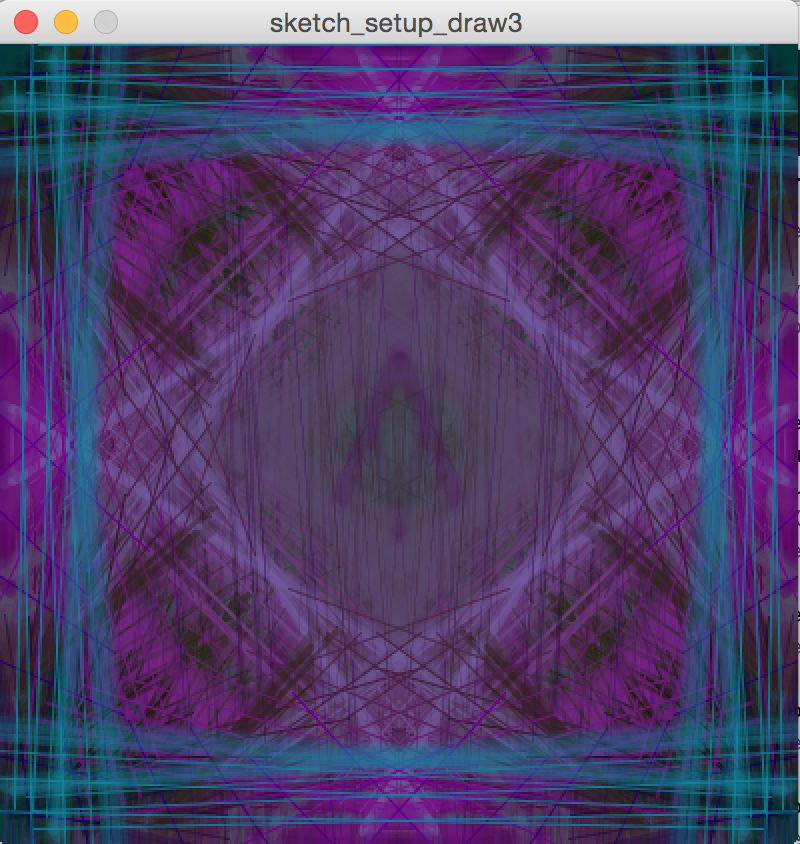
I’m still working my way through week 1 of the course, but the images above are all screenshots made from code that I put together* and then ran and interacted with to make art. I modified the code a little between each image captured.

Even if I get horribly stuck from here onward, I will have an app that I can use to make some unique album art!

*Disclaimer: my code also uses functions taken from a module coded by the course providers.

Viva Skegvegas!

This slideshow requires JavaScript.

Last weekend, I played an acoustic set at Skegvegas festival, a large gathering of VW owners at Revesby, close to the Lincolnshire coast. Actually it was three sets, as several people who had been booked for the acoustic tent had dropped out, so those of us remaining who could made up for the gaps played again.

We were more there to add to the atmosphere of the festival, and there were a lot of people walking past, soaking up the music as they went, but a few stayed and listened to us as a gig. I got my first ever request – for another Suzanne Vega song, so I did The Queen and the Soldier, and one of the guys who had stuck around came up at the end and said it was his favourite song ever. Made my day to know that, plus it is one of my favourites, too.